Reply to email faster, and still sound like yourself.
Klime helps you draft replies, start new messages and polish wording in Gmail. It puts a draft in your compose window and leaves the sending to you.
Free: 1 AI request per dayNo browsing history kept
The problem
Short replies take too long to word right, and long threads take too long to answer.
How Klime helps
Tell Klime what you want to say in a few words. It drafts a reply that fits the thread and your tone.
The outcome
A ready-to-edit draft in the compose field. You stay in control of what is sent.
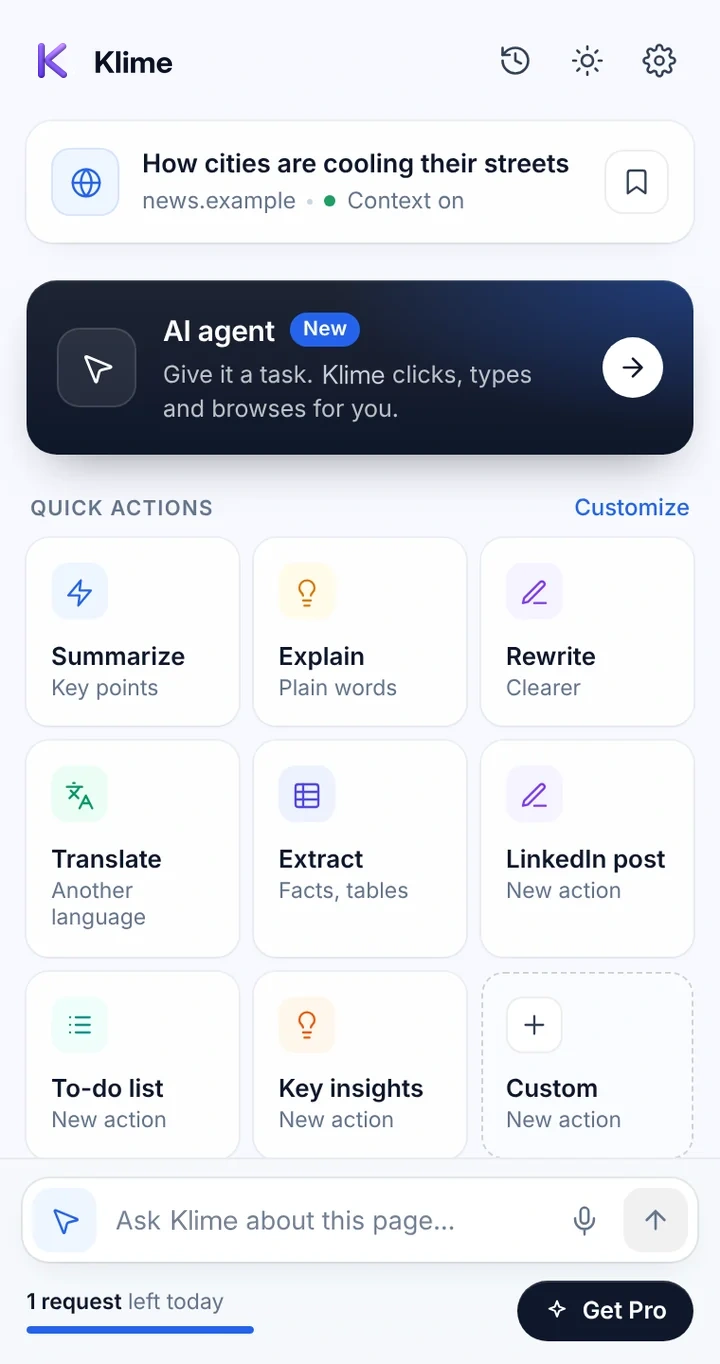
How email drafting works
Works in the Klime side panel. Open it from the toolbar or with ⌘ + M.
Open the email you are answering
Klime shows a reply control in Gmail. You can also select or paste text, or start a new message.
Tell Klime the gist
For example: "Thank them, confirm Thursday, ask for the updated numbers." Pick a tone if you like.
Review the inserted draft
Klime inserts the text into the compose field. Edit anything you want, or regenerate and refine.
Send it yourself
Klime never clicks Send. Nothing leaves your mailbox unless you send it.
Klime does not use the Gmail API, does not sign in to your Google Account, does not list or download your inbox and never sends email. It reads the open message only when you ask for a draft. Always review AI drafts before sending.
Everyday email, handled faster
Polite declines and follow-ups
Say no, nudge, or chase a reply without overthinking the wording.
Replies in another language
Write your intent in your language and ask Klime to draft the reply in the sender's.
Tone adjustments
Make a blunt message friendlier, or a long one shorter and more direct.
First drafts of longer emails
Turn bullet points into a structured message you can refine.
Common questions
Does Klime work with Outlook or other email apps?
The built-in reply control is for Gmail. On other sites you can still use Klime's writing actions to draft or rewrite text and paste it in.
Can Klime read my whole inbox?
No. Klime reads only the open message (text, sender and subject), or text you select or paste, and only when you ask for a draft.
Are my emails stored?
Email bodies are not stored in Klime. They are sent to the Klime proxy only to write the draft. See the Privacy Policy.
Keep exploring Klime
Try it on the next page you open.
Install Klime and use your free daily request to see how it fits your work.